
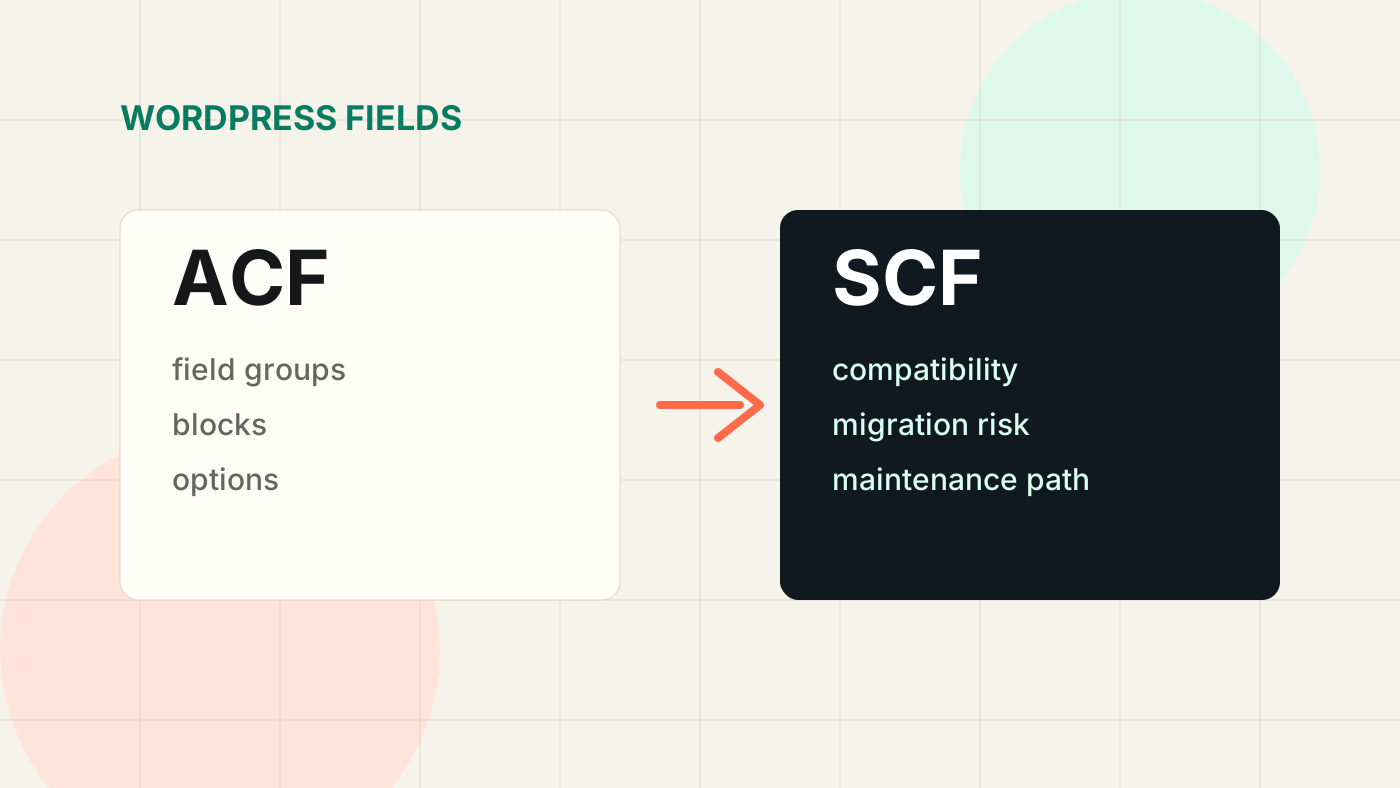
For years, Advanced Custom Fields was one of the safest bets in WordPress development. If a site needed structured editable content, ACF was often the tool.
Then Secure Custom Fields entered the picture as a fork. That created a question for developers and site owners:
Should existing WordPress builds stay on ACF, move to SCF, or wait?
The answer depends less on internet arguments and more on your actual site architecture.
What changed
ACF and SCF share a lot of history, but they are now different maintenance paths. That matters because custom field plugins are not cosmetic. They often sit directly inside:
- template logic
- custom blocks
- options pages
- field groups
- flexible content layouts
- local JSON workflows
- client editing experiences
If your site depends heavily on custom fields, this is infrastructure.
What I check before recommending anything
Before touching a production site, I audit how deeply the field system is used.
1. Field groups
Are fields simple text/image/repeater fields, or does the site rely on complex flexible content patterns?
Simple field groups are easier to migrate or maintain. Complex builder-style systems need more caution.
2. Blocks
If the site uses ACF Blocks, check:
- block registration
- render callbacks
- block JSON
- editor previews
- asset loading
- field naming conventions
Block behavior is where small compatibility issues can become client-facing problems.
3. Options pages
Options pages often power global content:
- phone numbers
- CTA text
- social links
- header settings
- footer content
- schema defaults
If an options page breaks, the issue may appear across the whole site.
4. Local JSON
Local JSON is one of the best ways to keep field groups version controlled. Check whether the project uses it and whether field sync is part of the deployment workflow.
If a site has no local JSON, I usually recommend fixing that before making bigger field-system decisions.
When I would stay put
I would avoid a rushed switch when:
- the site is stable
- field usage is complex
- there is no staging environment
- the client edits content frequently
- there are custom blocks with business-critical content
- nobody has time to QA editor workflows
In that case, the better move is to document dependencies and test intentionally.
When I would consider switching
I would consider SCF or a field-system change when:
- the site is already being rebuilt
- field usage is simple
- you have staging and backups
- the current setup has licensing, update, or maintenance constraints
- the team wants tighter control over future dependencies
The migration should still be treated like a technical change, not a plugin swap.
A practical migration checklist
Before changing anything:
- Back up files and database.
- Export field groups.
- Commit local JSON.
- Test admin editing flows.
- Test frontend templates.
- Test reusable blocks and synced patterns.
- Test deployment from a clean environment.
- Document rollback steps.
The admin experience matters as much as the frontend.
My current take
ACF vs SCF is not a brand loyalty question. It is a maintenance question.
For existing production sites, I prefer a conservative approach: audit first, test in staging, and make the decision based on risk. For new builds, I choose the field system based on project requirements, client editing needs, and the expected maintenance path.
The best WordPress build is not the one with the trendiest dependency. It is the one the client can safely use six months later.