
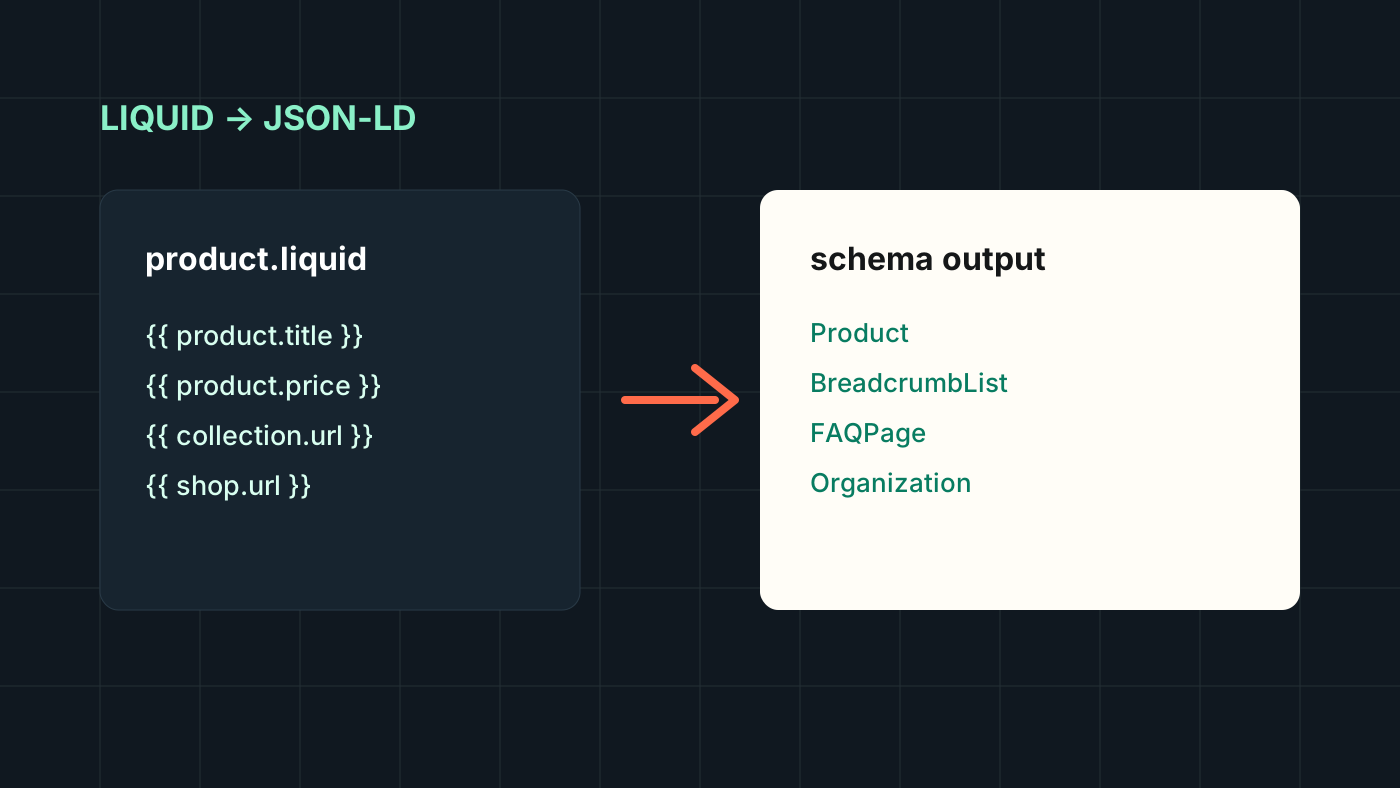
Shopify structured data does not always need another app.
Apps can help, but they can also create duplicate schema, slow down the storefront, or output generic markup that does not match the theme. For many stores, the cleanest approach is to generate JSON-LD directly in Liquid.
That gives you control.
What structured data should cover
For a typical Shopify storefront, I usually look at:
- Product
- Offer
- AggregateRating, if real review data exists
- BreadcrumbList
- CollectionPage
- FAQPage, where FAQs are visible on the page
- Organization
- WebSite
The important rule: structured data should describe content that actually exists on the page.
Product schema in Liquid
A simplified Product schema might look like this:
<script type="application/ld+json">
{
  "@context": "https://schema.org",
  "@type": "Product",
  "name": {{ product.title | json }},
  "description": {{ product.description | strip_html | json }},
  "url": {{ shop.url | append: product.url | json }},
  "image": [
    {% for image in product.images limit: 5 %}
      {{ image | image_url: width: 1200 | prepend: "https:" | json }}{% unless forloop.last %},{% endunless %}
    {% endfor %}
  ],
  "offers": {
    "@type": "Offer",
    "priceCurrency": {{ cart.currency.iso_code | json }},
    "price": {{ product.selected_or_first_available_variant.price | divided_by: 100.0 | json }},
    "availability": "https://schema.org/{% if product.available %}InStock{% else %}OutOfStock{% endif %}",
    "url": {{ shop.url | append: product.url | json }}
  }
}
</script>
The exact implementation depends on the store, but this is the shape.
Breadcrumb schema
Breadcrumb schema is useful because it helps search engines understand hierarchy.
In Liquid, you can generate it from the current collection or fallback paths:
{
  "@type": "BreadcrumbList",
  "itemListElement": [
    {
      "@type": "ListItem",
      "position": 1,
      "name": "Home",
      "item": {{ shop.url | json }}
    },
    {
      "@type": "ListItem",
      "position": 2,
      "name": {{ collection.title | json }},
      "item": {{ shop.url | append: collection.url | json }}
    }
  ]
}
If a product can appear in multiple collections, be careful. Schema should reflect the visible breadcrumb path, not a random collection association.
FAQ schema
FAQ schema should only be added when the questions and answers are visible to users.
Good sources include:
- theme sections
- metafields
- metaobjects
- product-specific FAQ blocks
Avoid adding hidden FAQ schema just because it used to be a common SEO trick.
Common mistakes
The mistakes I see most often:
- Duplicate Product schema from theme and app.
- Missing currency or incorrect price format.
- Review schema without real review content.
- FAQ schema for hidden content.
- Canonical URL and schema URL disagreeing.
- Collection context leaking into product schema incorrectly.
Structured data should be boringly accurate.
How to validate
After implementation, test:
- rendered page source
- Rich Results Test
- Schema Markup Validator
- Search Console enhancements
- several product variants
- in-stock and out-of-stock states
Do not validate only one product and assume the template works everywhere.
Why I prefer native Liquid when possible
Native Liquid schema is easier to review, easier to version control, and easier to adapt to the actual store. It avoids another app dependency for something that is fundamentally template output.
Apps are useful when a merchant needs a UI. But when a developer is already working in the theme, Liquid often gives the cleaner result.